
via OPTEN AG · Sep 2025
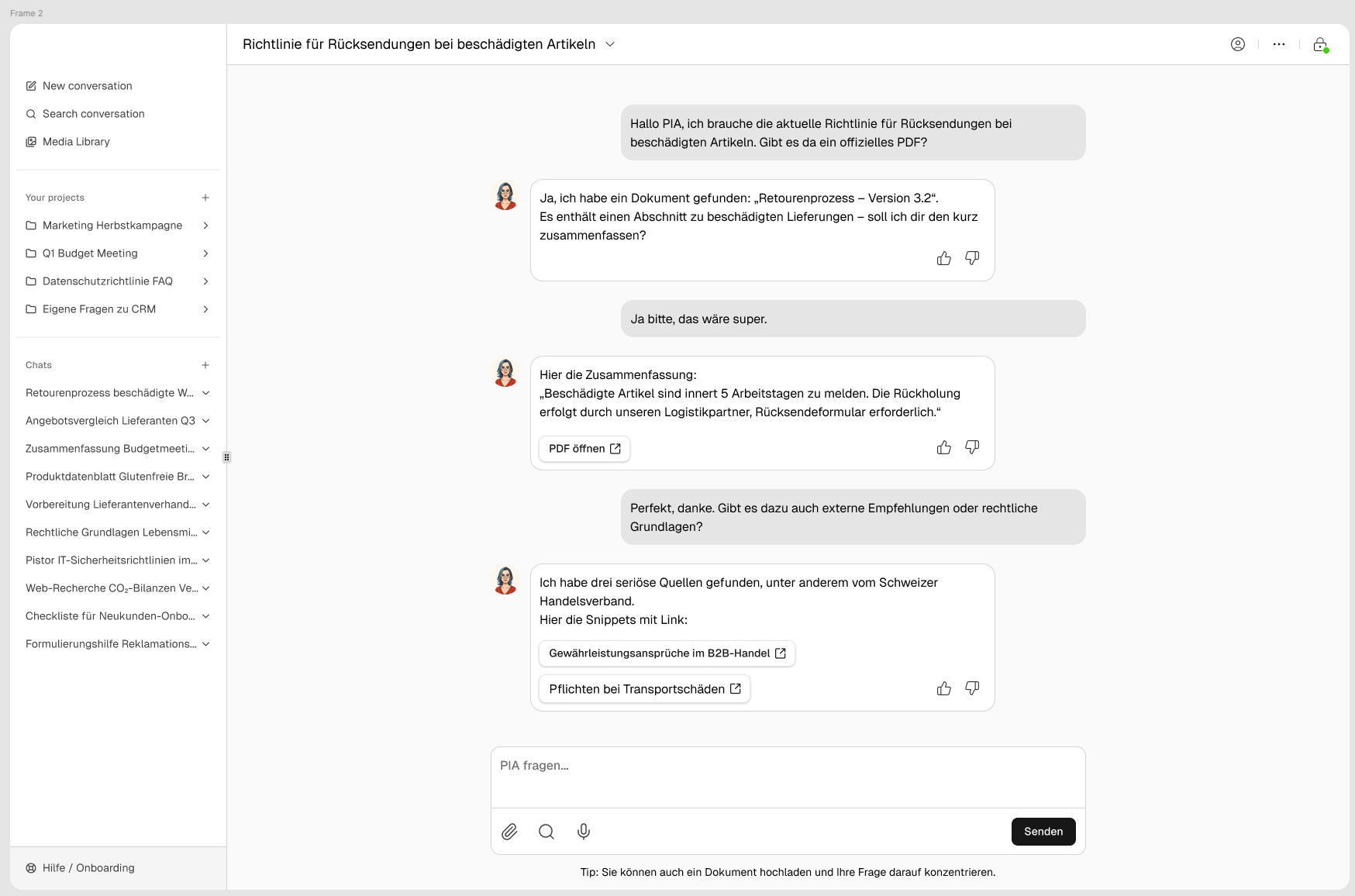
AI Assistant Interface.
A streaming chat interface for a wholesale distributor’s staff: responses render as they arrive, with reactions and file attachments. State managed with Angular Signals — the UI is a function of the conversation — and overlays centralised through CDK Overlay, responsive down to mobile.
Streaming is a UI problem
An assistant that answers a wholesale distributor’s staff has to feel like it is thinking out loud — responses render as they arrive rather than appearing complete after a wait. The engineering consequence is that the view re-renders constantly while the user is still reading, so every layout decision has to survive text growing underneath it: no jumping scroll position, no reflowing action buttons, no flicker on the message being written.
The UI is a function of the conversation
State lives in Angular Signals: messages, streaming status, attachments, reactions. The view derives from them instead of being synchronised with them, which removes the entire class of bug where a chat looks stale until you click something. Services stay fully decoupled from the components, so the transport can change without the interface knowing.
Drag the diagram sideways to read it
Overlays with one owner
Chat interfaces accumulate floating things — context menus, a lightbox for attachments, the sidebar with chat groups, create and delete flows. Handled ad hoc, they fight each other over stacking, focus and dismissal. Centralising them through CDK Overlay gave one set of rules for positioning and closing, which is why the interaction semantics stay predictable no matter how the user got there.
Mobile-first, not mobile-also
Staff use this between other tasks, often on a phone, so the narrow layout was the starting point rather than a late compression of the desktop one — touch targets, reachable actions, and a sidebar that becomes a gesture instead of a permanent column.
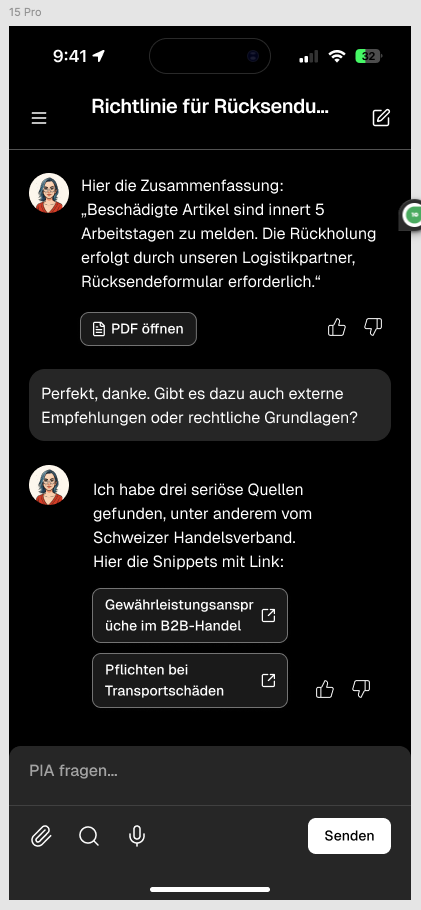
Streaming chat shipped with signal-based state and fully decoupled services.
Alexander built a full chat interface — chat groups, context menus, lightbox, sidebar interactions, creating and deleting chats — with careful attention to interaction semantics and mobile-first behaviour.